


Made4Flow – Version 2.7.0
Additions:
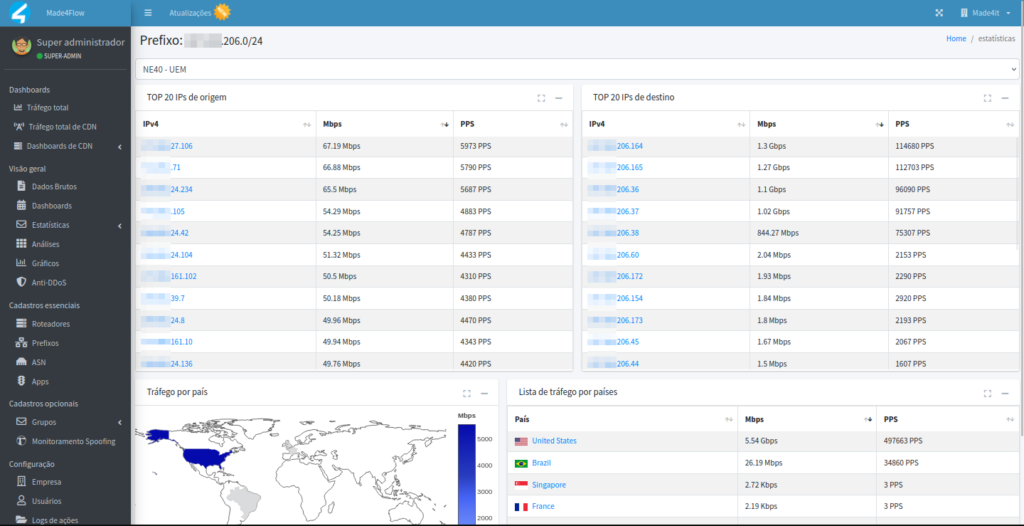
- Geolocation has been added to Made4Flow.
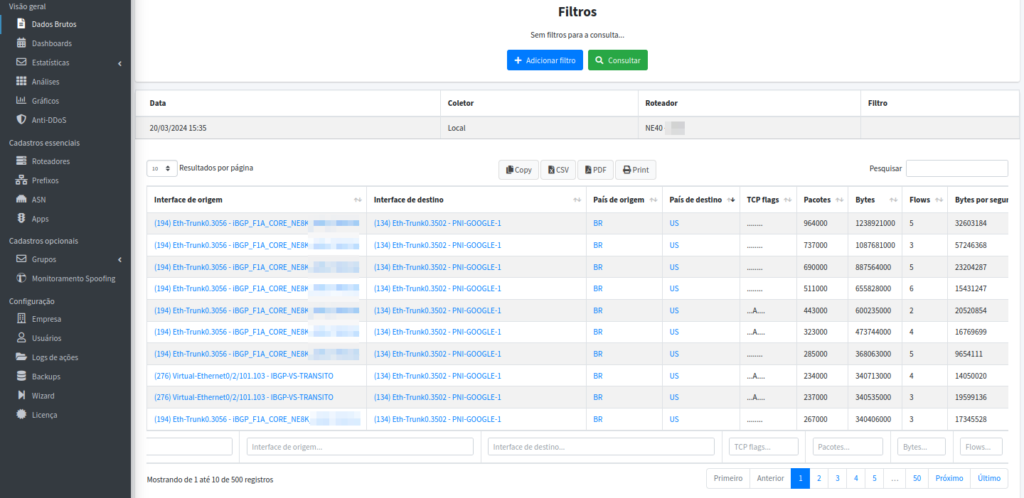
- A new TCP Flags filter has been added to the raw data.

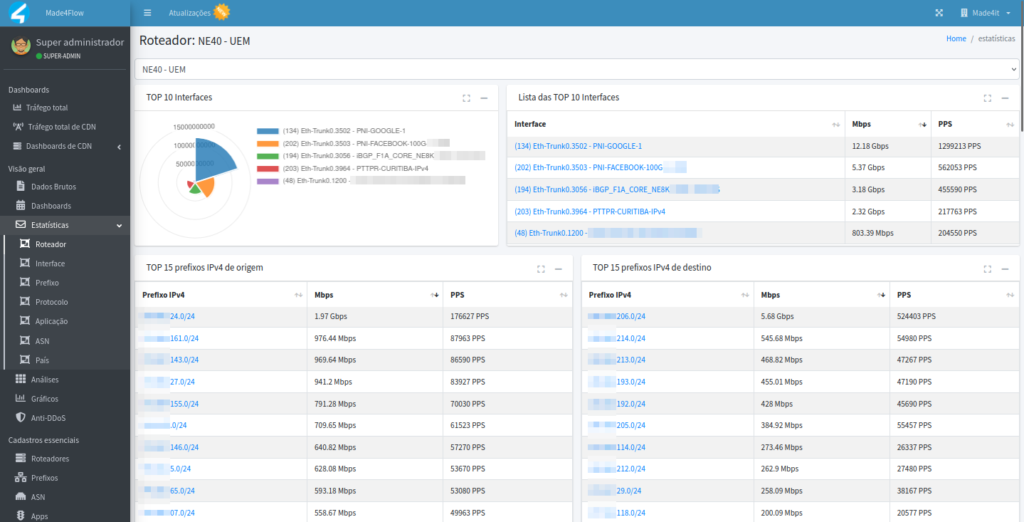
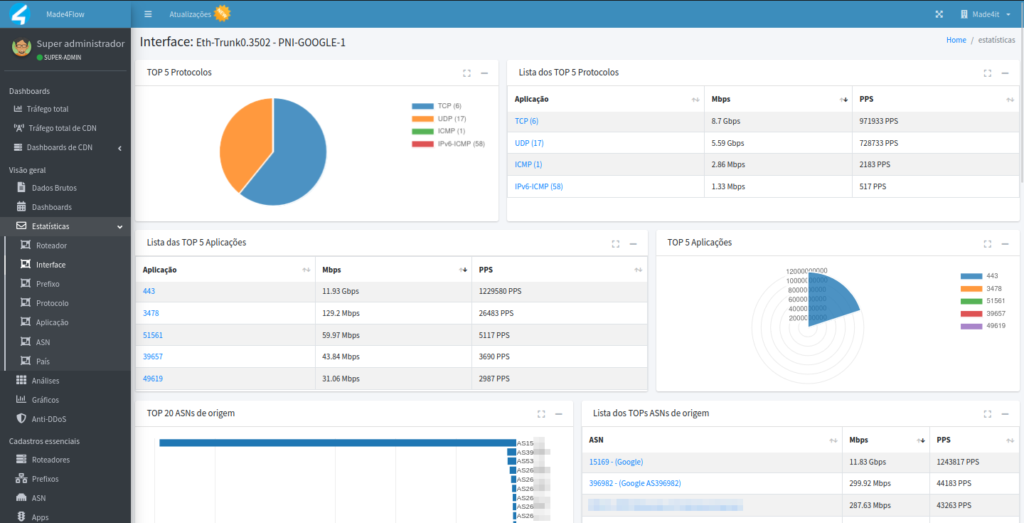
- Added new statistics views for the latest data collection, including: Routers, Interfaces, Prefixes, Protocols, Applications, ASNs, and Countries.
Router View:
Interface Visualization:
Prefix Preview:
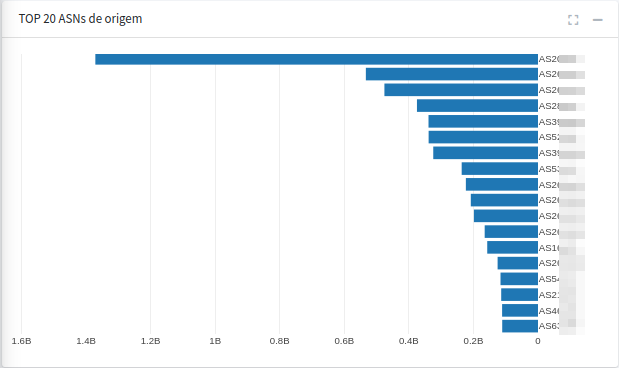
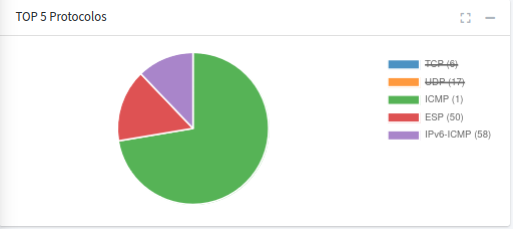
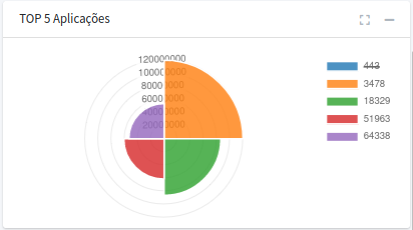
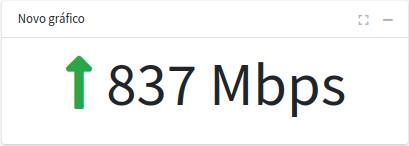
- Added the ability to generate new statistical charts using any filter for the following chart types: Horizontal Bar, Pie, Polar, Last Values, List, and Map.
Horizontal Bar:
Industry:
Polar:
Latest Figures:
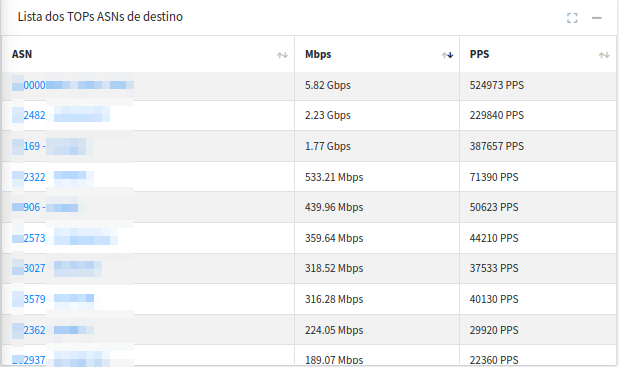
List of ASNs:
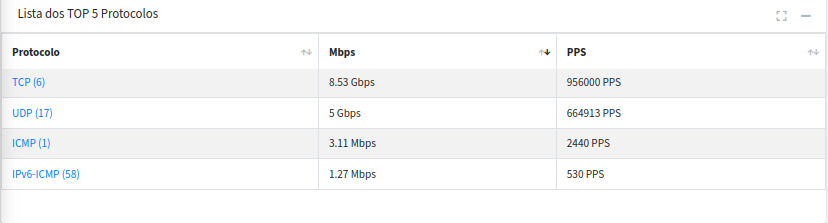
List of Protocols:
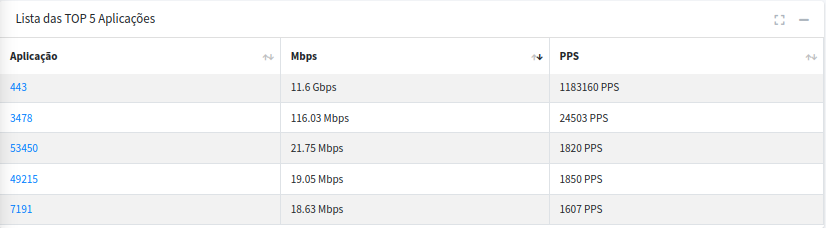
List of Applications:
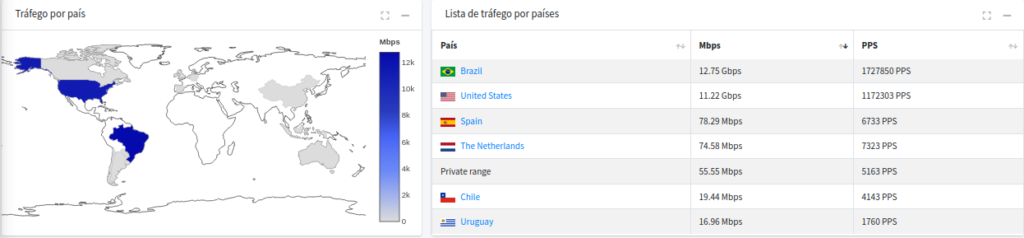
Map:
- Added redirect links to the new views to make it easier to navigate the system.
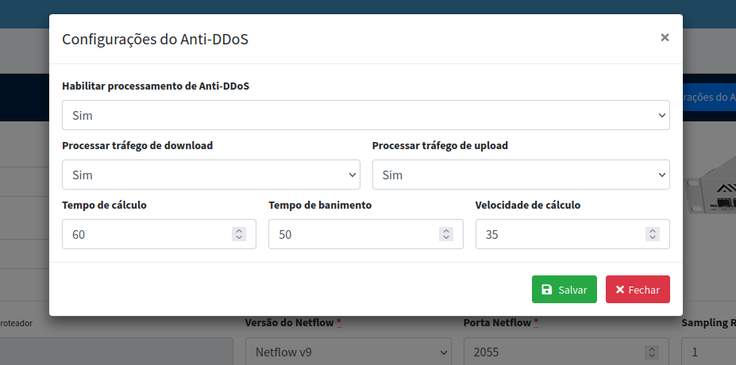
- The “calculation speed” parameter has been added to the Anti-DDoS settings.
- Added a new sFlow-to-NetFlow v9 conversion type.
Changes:
- Improved parallel graphics processing performance.
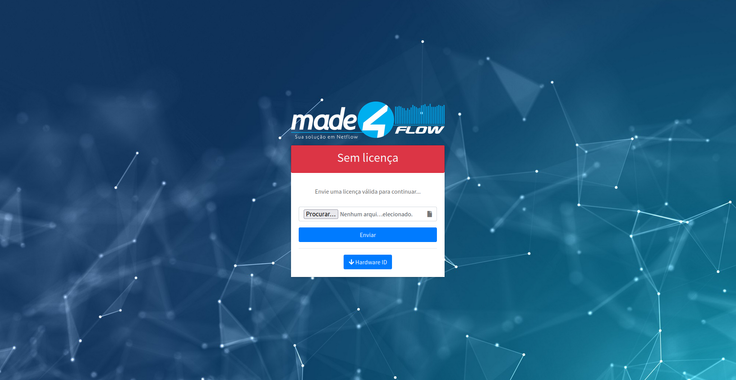
- The screen that appears when you are out of leave has been updated.
Fixes:
- Fixed the pagination in the attack history report.
- Fixed the calculation in the Top Destination ASN chart for Facebook’s ASN.
- Fixed the filters for the “Prefix Group by ASN” chart.
- Fixed an issue in some cases where active ads did not expire on their end dates.
- Fixed the calculation in the “Interface by Router” and “Interface by Interface” analyses when the interface name begins with a number.
Haven’t heard of Made4Flow yet?
Made4Graph – Version 2.4.4
Additions:
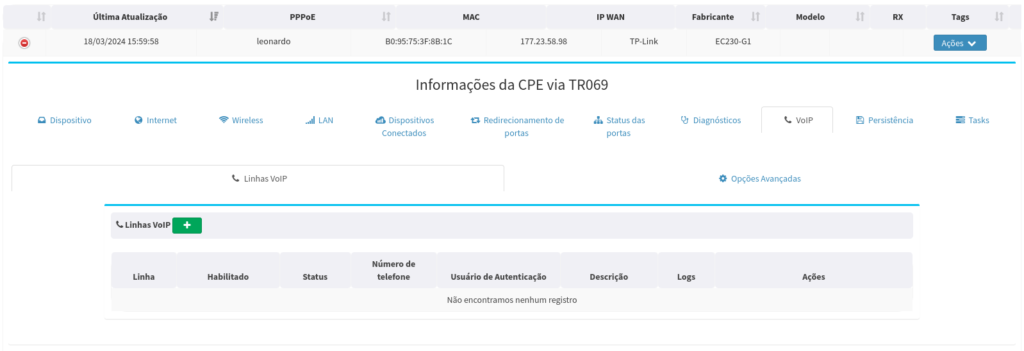
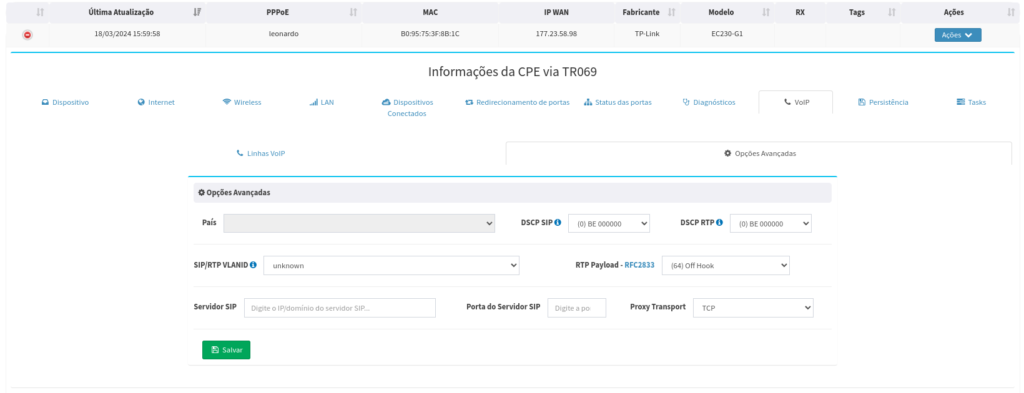
- VOIP
- We have implemented features for managing and creating VoIP lines.
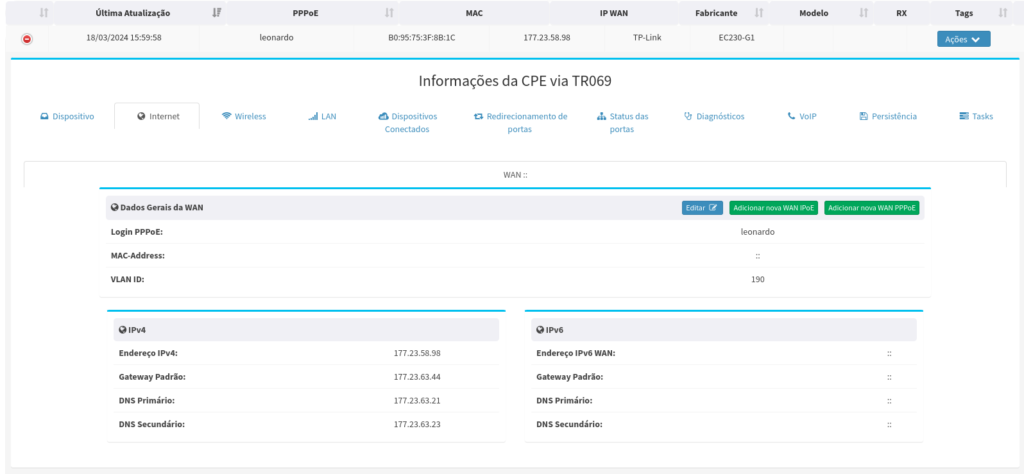
- Added the ability to view, create, and edit multiple WANs.
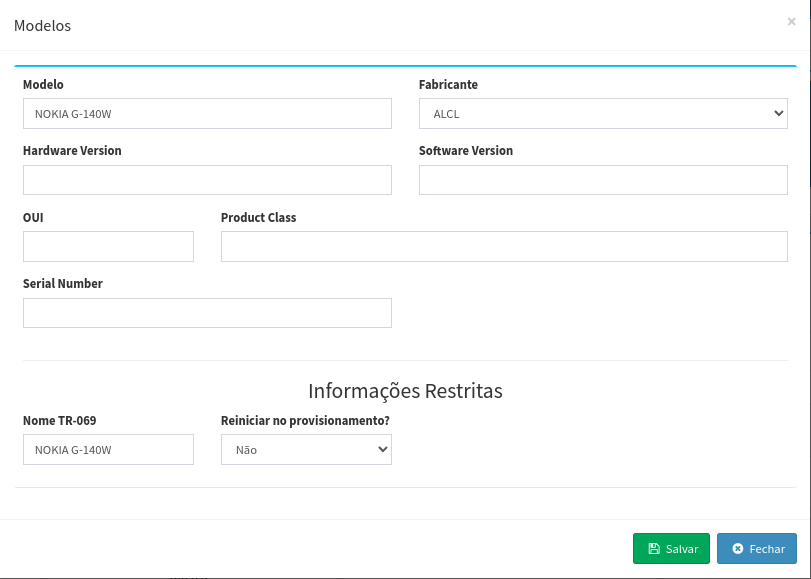
- Added the option to enable or disable the restart of CPEs during TR069 provisioning.
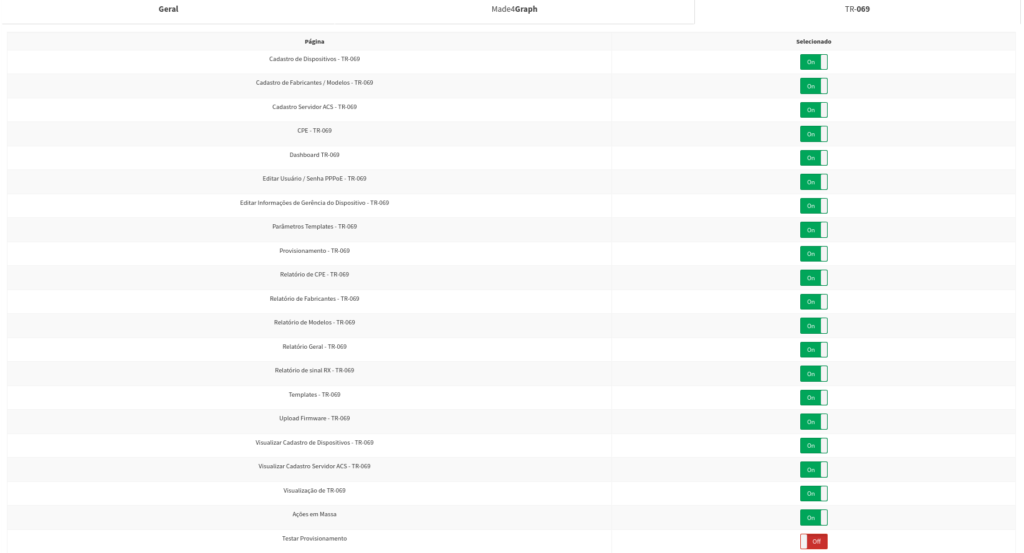
- Added the option to enable the “Test Provisioning” button in user group management.
Fixes:
- Fixed the port mapping persistence collection. There were cases where the dynamic indexes of the CPEs were not saved.
- Fixed an issue where CPEs with advanced information about connected hosts were not displayed, even though the CPE had provided that information.
- The list of connected clients has been corrected when the IXC API is used to collect PPPoE information.
Haven’t heard of Made4Graph yet?
Made4OLT – Version 1.3.1 [Beta]
Additions:
- Approved
- Firmware 5.0.2 [Datacom DM4610]
- Firmware 9.0.0 [Datacom DM4615]
- MA5800V100R020C00 Firmware [Huawei MA5800-X2]
- Firmware 3.1.18 [VSOL GPON]
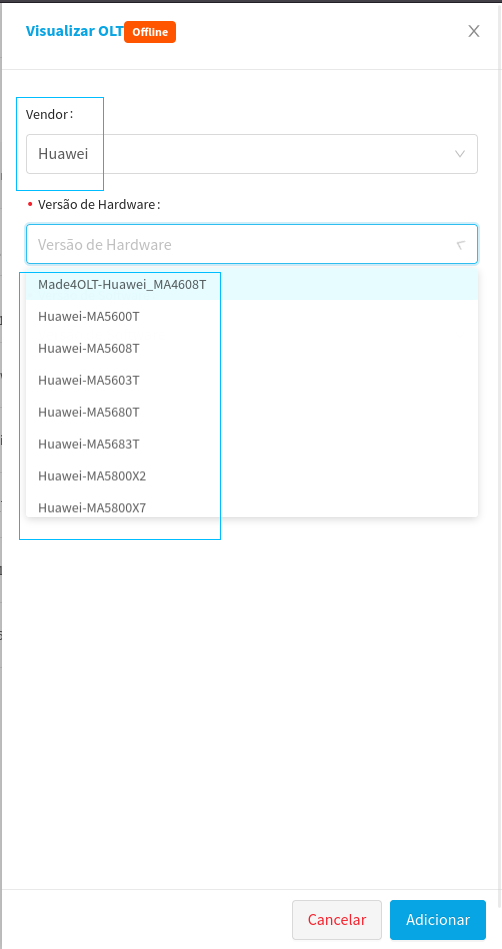
- A new filter has been added to the process of adding a new OLT, allowing you to select by vendor.
- Vendor Selection Filter
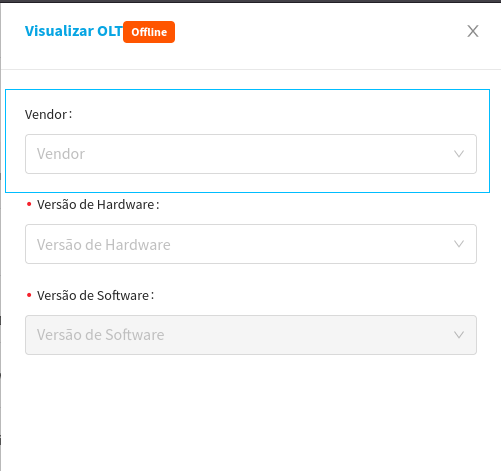
- Selected vendor filter. (Huawei)
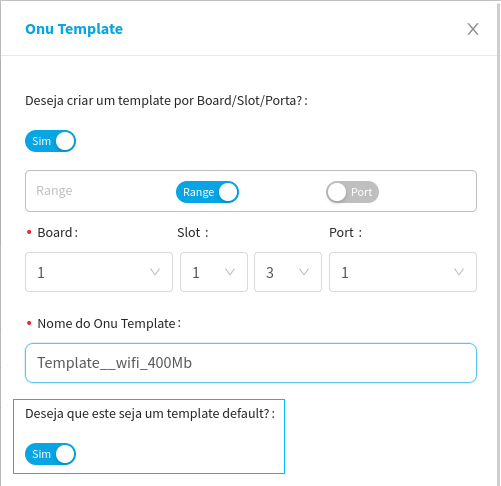
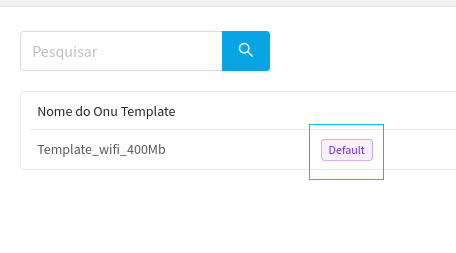
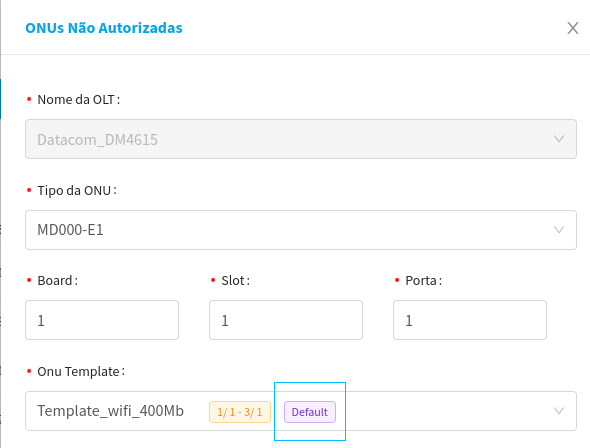
- Added the option to set a template as the default.
- Default Template Enable Button
- Default Template Display Tag
- How the default template is distinguished during provisioning
- Added a response message when configuring a VLAN on an uplink.
- NOTE: This setting is only visible when running in production with an OLT connected.
Changes:
- Change to allow templates to be filtered by range.
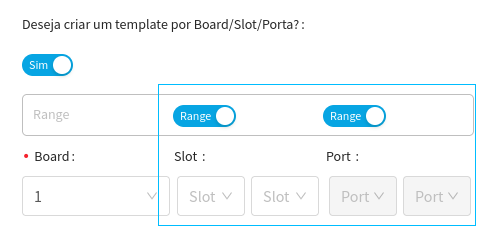
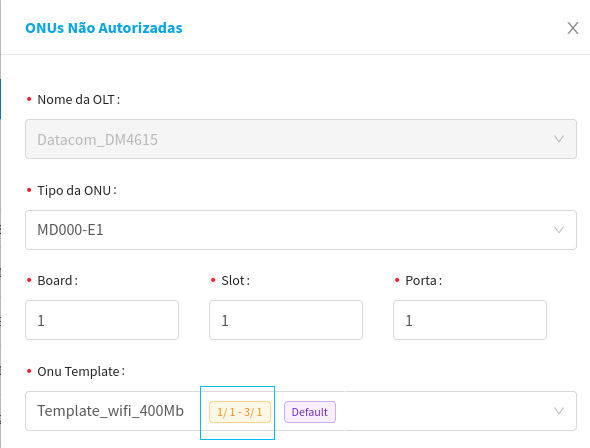
- The display format for a template that is tagged as “default” and filtered by board/slot/port has been changed.
- When a template has the board filter and the default tag enabled, the system will display the board, slot, or port to which that default template belongs.
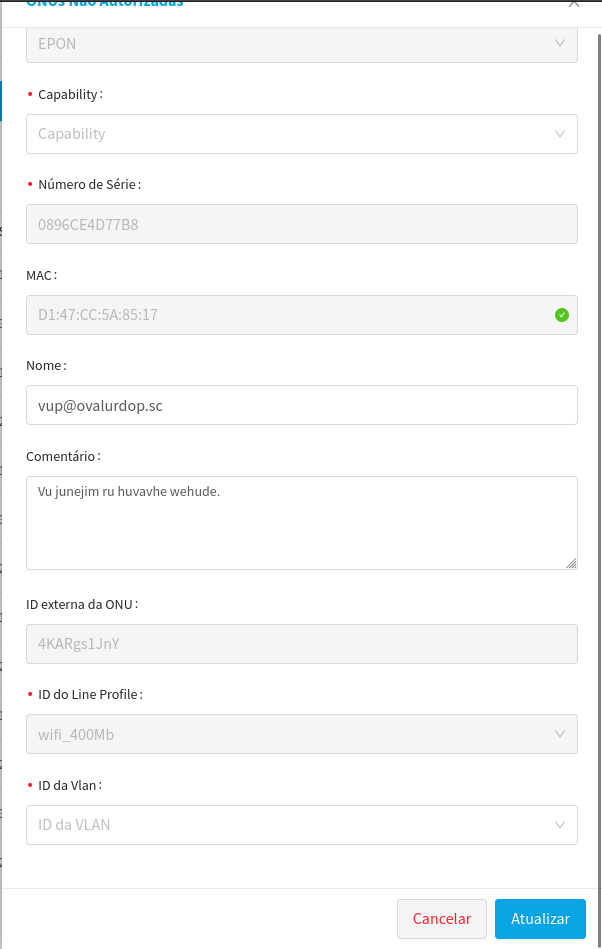
- The TCont and Gem fields have been removed from the provisioning of Templates and ONUs
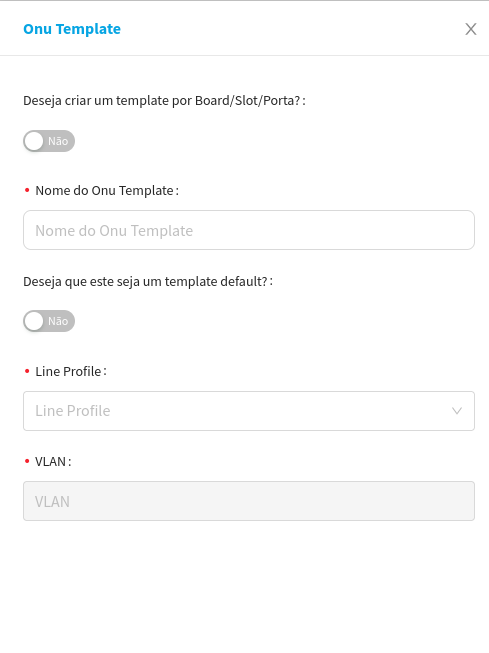
- For both the automatically assigned template and the manual configuration, the TCont and GEM fields are no longer accessible

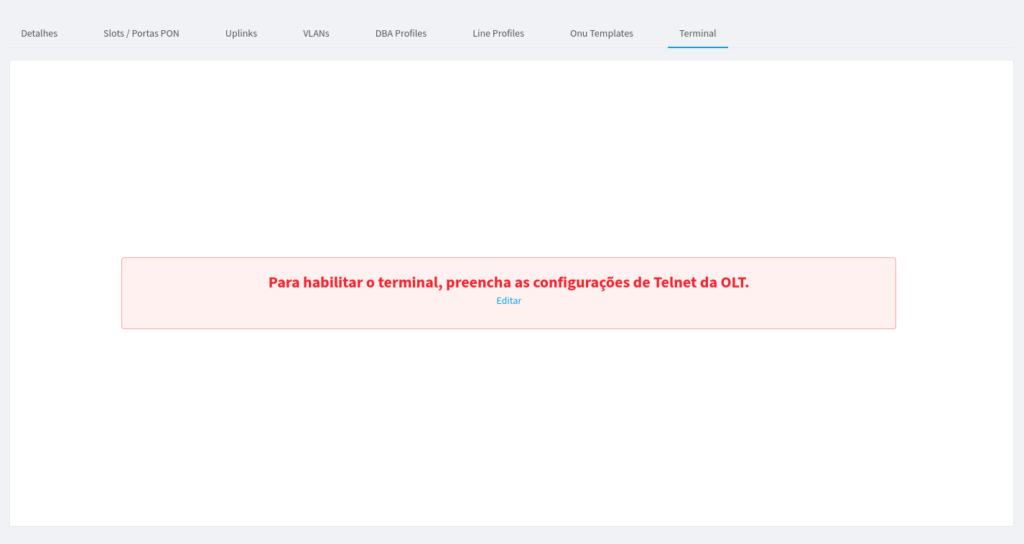
- Information screen that appears when the TELNET setting is not enabled.
- Some field names have been updated
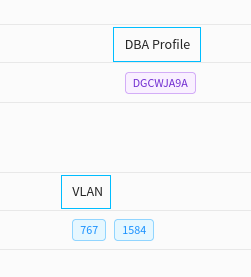
- The label “DBA Profile Name” has been updated to –> “DBA Profile”
- The “VLAN Name” label has been updated to –> VLAN
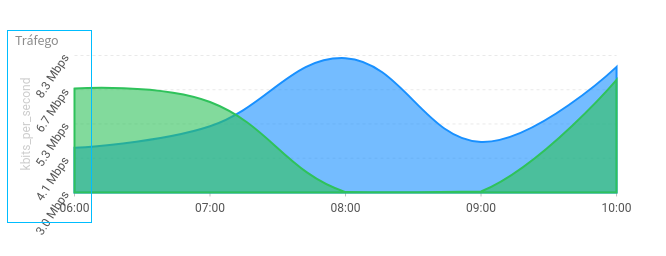
- Changed the unit of measurement to account for traffic from a single ONU.
- The speed will now be displayed in Mbps, and in more unusual cases, in bps
Fixes:
- Fixed an error that occurred when submitting a new license.
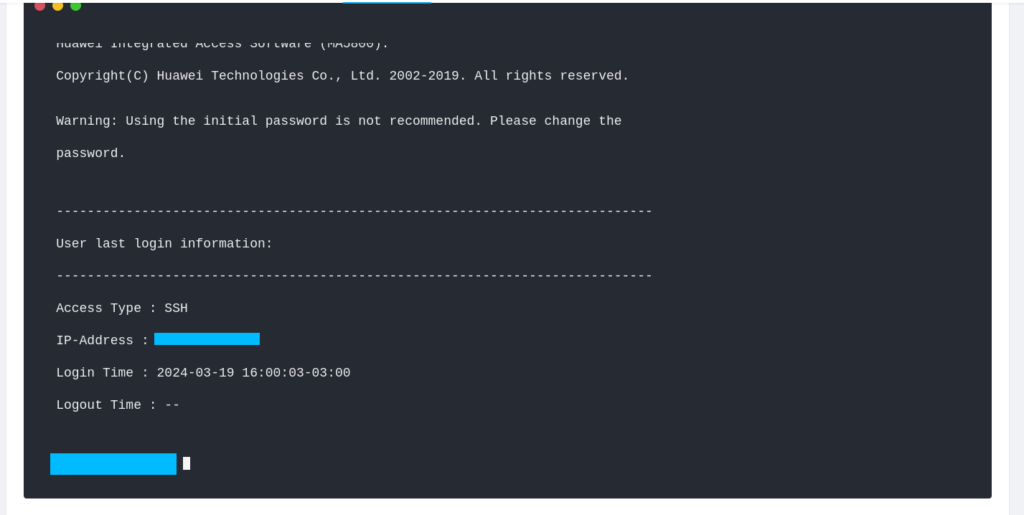
- Fixed an issue with the TELNET terminal on the OLT tab.
- Fixed the sorting filter by UN symbols.
Haven’t heard of Made4OLT yet?
