


In this article we will talk about the process of reconfiguring Nokia G-1425-GA routers after they have been reset. In order for them to be completely reconfigured to the state they were in before the reset, an ACS TR-069 server must be up and running, persisting its previous settings.
If you don’t know what an ACS server is or how useful it is, read this article.
These tests were carried out in the laboratory environment of DPR Telecomunicações, NOKIA’s largest partner in Brazil. They have a large optical equipment factory and a laboratory for testing Nokia solutions. Find out more about DPR here.


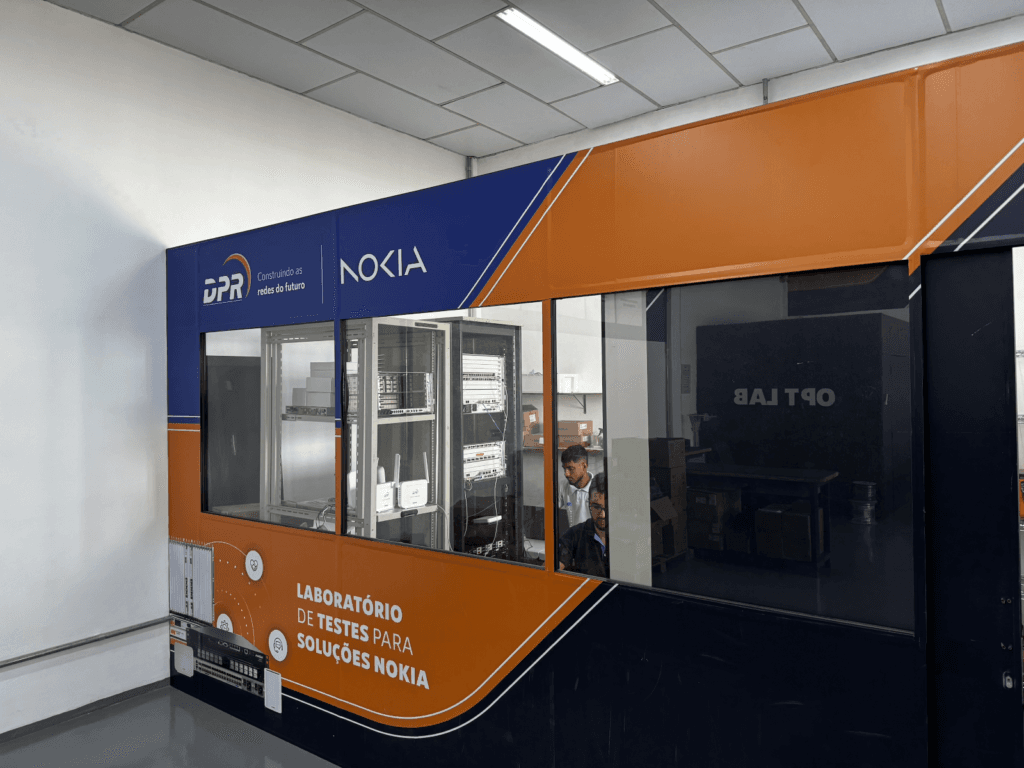
For the test, we used the NOKIA G-1425-GA UN model. It was fully configured, including the Made4it made4graph ACS server, which handled data persistence for provisioning.
Once the laboratory environment has been properly provisioned, we apply a factory-reset to our test CPE. As we can see in the images below, all the settings have been lost, including WAN, Wifi and the ACS server returning to default.
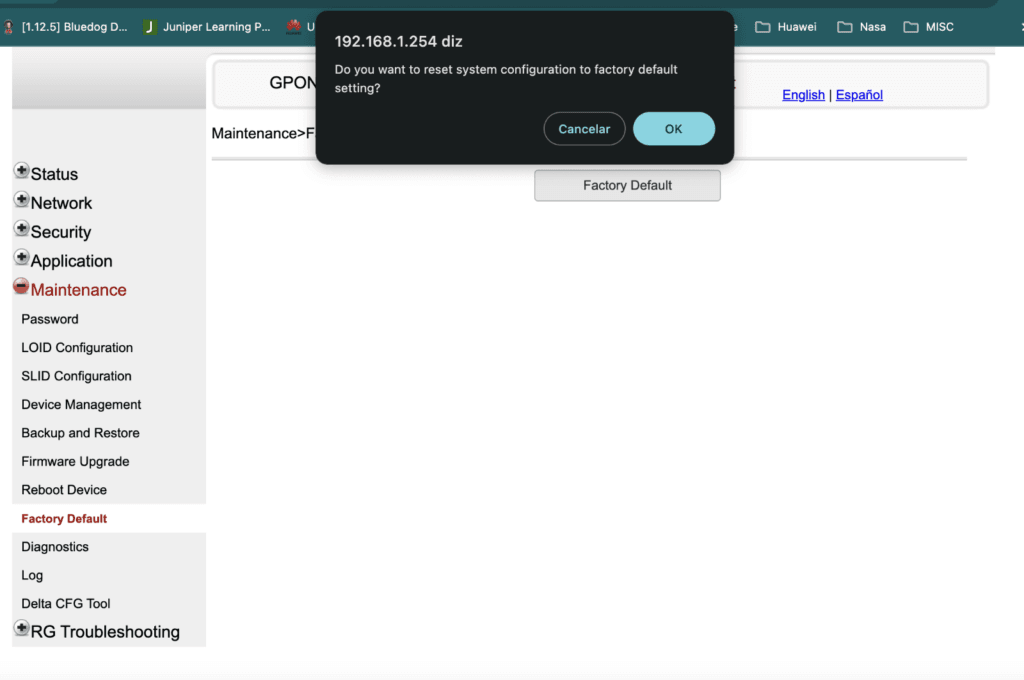
Requesting “Reset System Configuration to Factory Default“
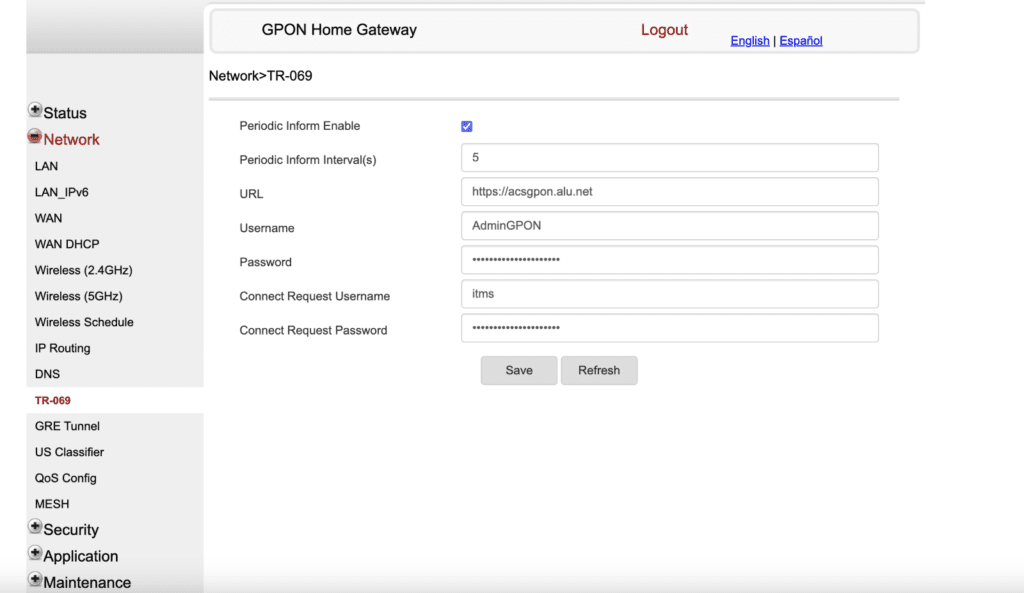
The “default” TR-069 settings of the Nokia ONT after the reset.
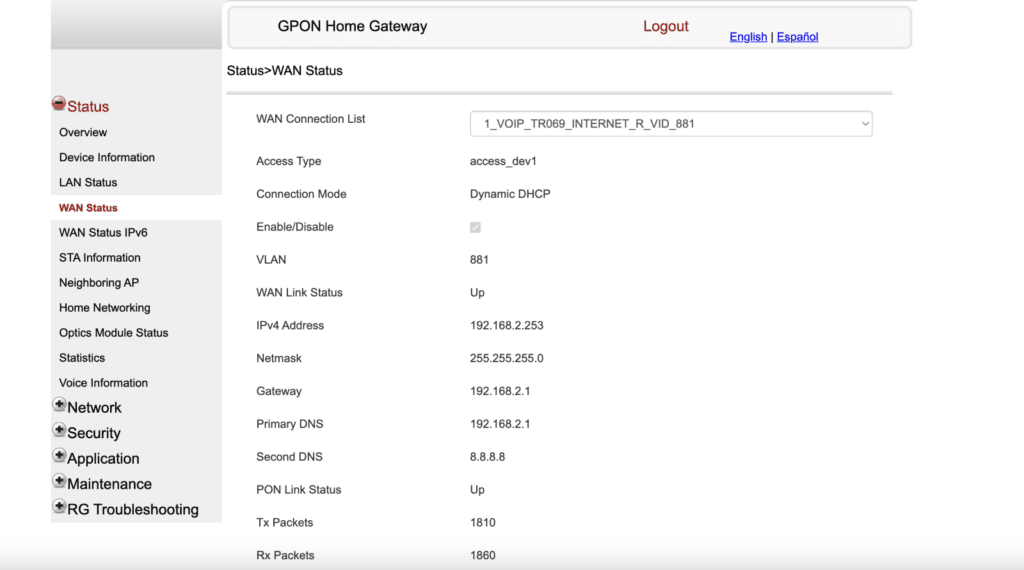
An important part of the lab is to observe the VLAN and the ONU’s addressing mode with factory settings. In this case, the Nokia ONU connects to a WAN on VLAN 881 with DHCP enabled.
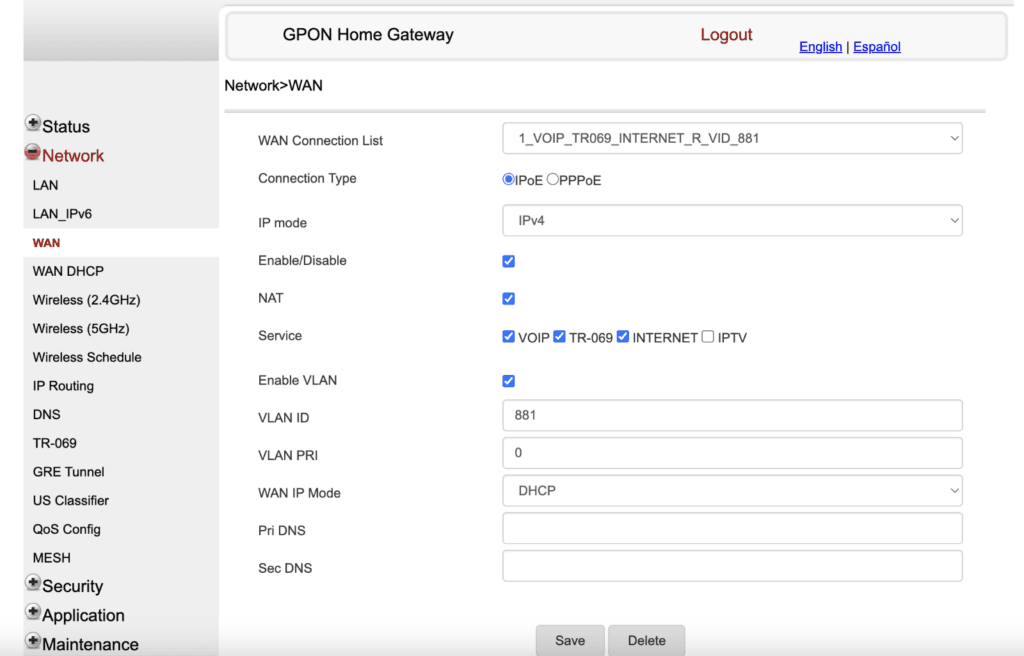
With the router reset to its factory settings, we set up the self-provisioning infrastructure via DHCP Option 43, as described in the article:
. We used the same default VLAN 881 for this!
Here, in a few moments, the ONU received the IP address from the DHCP server and also the ACS server.
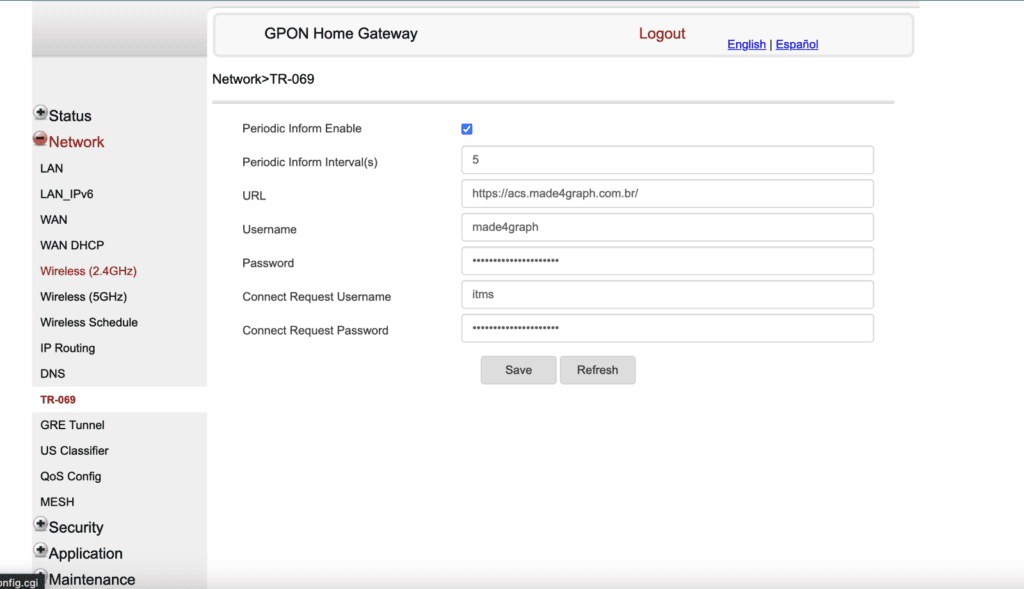
After that, the magic of the TR-069 begins, with the ACS server made4graph completely reconfiguring the ONU to its previous state, including the correct WAN settings (username, PPPoE password, and VLAN for accessing the BNG/BRAS), Wi-Fi, port forwarding, and much more.
And how do you generate the URL for ACS delivery via DHCP Option 43?
To generate the URL, Nokia uses a rule for option 43“Vendor Specific Information” coded with 3 parameters:
- Parameter 01: ACS server URL
- Parameter 02: user for ACS
- Parameter 03: user password for ACS
The fields are always made up of:

Based on this rule, we can generate the Option 43 code to be sent via DHCP. I’ll explain how.
You must first have the data at hand:
ACS server URL
- Number of characters in the URL
- URL converted to hexadecimal
- Number of characters in hexadecimal
User name
- Number of characters in the username
- User converted to hexadecimal
- Number of characters in hexadecimal
Password
- Number of characters in the password
- Password converted to hexadecimal
- Number of characters in hexadecimal
With this data in hand, you can generate the field in the rules that Nokia requires. Let’s take an example: 😀
To generate the ACS URL https://acs.made4graph.com.br/ with user made4graph and password made4it, we have to convert each field to hexadecimal, take note of the length of the string and put it in the correct format.
| URL | URL (hex) | Size | Size (hex) |
| https://acs.made4graph.com.br/ | 68747470733A2F2F6163732E6D6164653467726170682E636F6D2E62722F | 30 | 1E |
| USER | User (hex) | Size | Size (hex) |
| made4graph | 6D616465346772617068 | 10 | 0A |
| PASSWORD | Password (hex) | Size | Size (hex) |
| made4it | 6D616465346974 | 7 | 07 |
So the complete hexa field would be:
01 1E 68747470733A2F2F6163732E6D6164653467726170682E636F6D2E62722F 02 0A 6D616465346772617068 03 07 6D616465346974
This results in the final string, which can be pasted into the DHCP Server:
0x011E68747470733A2F2F6163732E6D6164653467726170682E636F6D2E62722F020A6D61646534677261706803076D616465346974
*the 0x at the beginning indicates to the DHCP Server that the following data is in hexadecimal
To make things easier, we’ve created an automatic Option 43 generator for NOKIA, which you can check out here
Conclusion
In this article, we show you how to configure a DHCP server to deliver ACS attributes to Nokia CPEs that have just been “reset” to factory defaults, without any “presets” or firmware changes. This allows us to easily and effectively autoconfigure a URL, username, and password for an ACS server on a Nokia CPE/ONU, making it accessible to an ACS server and enabling it to be autoconfigured via TR-069. This technique is particularly valuable in environments with Nokia CPEs/ONUs, where a DHCP server preconfigured on VLAN ID 881 (Nokia default) ensures that regardless of whether a CPE resets or loses its settings, it will always have connectivity to the ACS server and will always be properly configured via TR-069.
Special thanks to DPR for providing us with all the necessary support, as well as supplying the infrastructure for the tests to take place, proving to us that Nokia equipment reliably implements the TR-069 CPE WAN Management Protocol and enable self-configuration of the ACS via DHCP Option 43.
